Amazon Marketplace Guide: Kindle Accessibility on Ebook Detail Pages
Salevoyant Editorial · November 18, 2026
Introduction
When a shopper checks whether a Kindle textbook works with a screen reader, the answer depends on more than the device. It also depends on how the publisher built the ebook and what its Amazon detail page tells the shopper. Amazon’s April 2025 accessibility guide isn’t a November 2026 product announcement, but it gives publishing and catalog teams a useful question to ask now: Can a reader verify what works before buying, and does the book deliver after purchase?
Core Development
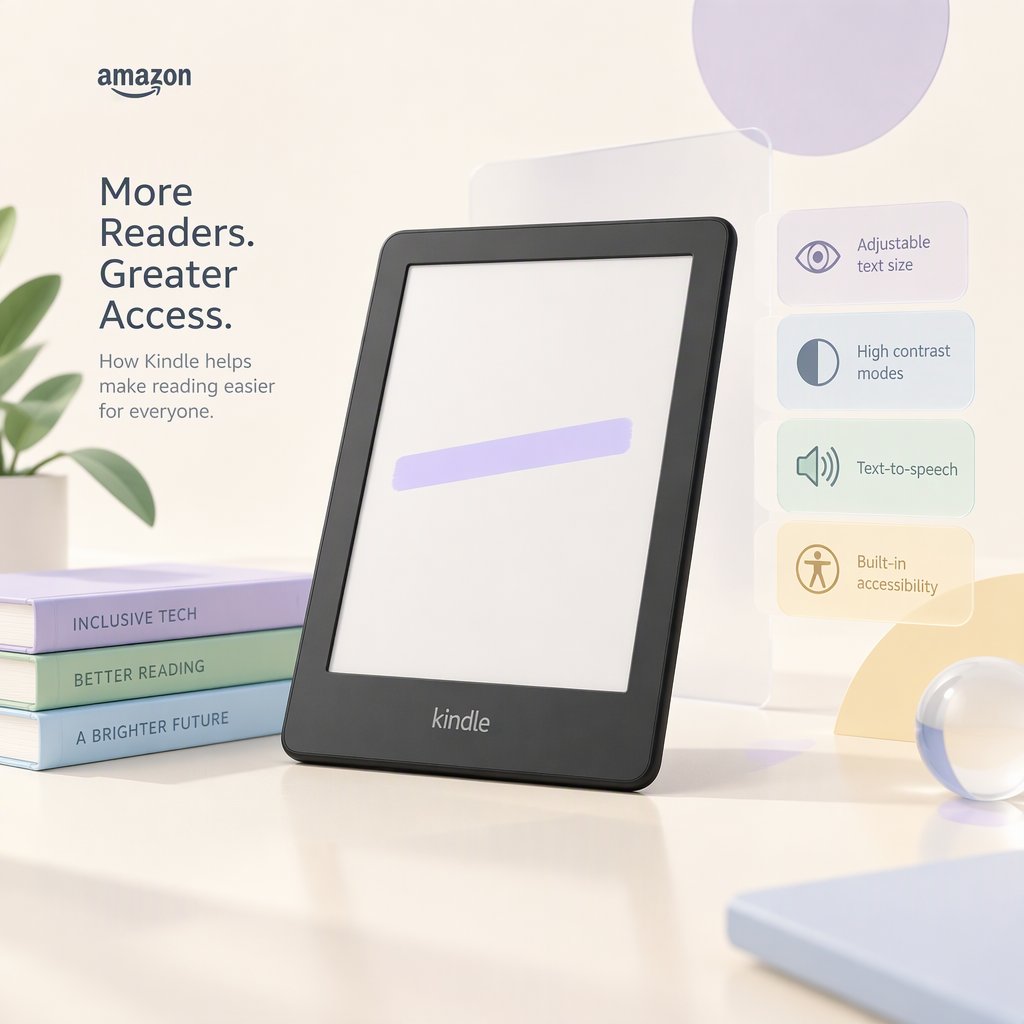
In its April 8, 2025 accessibility overview, Amazon grouped six kinds of support across Kindle devices, apps, and the store. Assistive Reader combines text-to-speech with synchronized highlighting. Reading Ruler helps readers track one line at a time in supported apps. Word Wise supplies inline definitions and synonyms in select English-language titles. Layout controls let readers adjust settings such as font, spacing, and page color, while alternative page-turn controls can help readers with limited dexterity. Availability varies by device, app, and title.
The sixth area matters most to catalog teams: title-level accessibility information. Amazon says publishing partners provide accessibility details that can appear on book detail pages, where shoppers can look for an accessibility icon. At the time of publication, Amazon reported more than 12 million ebooks in its store that were fully accessible to screen readers and refreshable braille displays. That’s Amazon’s April 2025 figure, not a current catalog count or proof that any particular title supports every feature.
Technical Deep Dive
Assistive Reader and a screen reader solve different problems. The former reads book text aloud and highlights it as it goes. A screen reader also helps a reader identify and move among elements such as headings, links, and controls. Amazon introduced VoiceView for Kindle devices in 2016 and describes book-reading improvements such as announcing heading levels and following footnote links without losing the original reading position on return.
Those behaviors depend on what the book exposes to the reading software. In a reflowable EPUB, a chapter heading encoded as <h1> or <h2> identifies a structural element. A paragraph styled in large, bold type may look identical, but it doesn’t convey the same role. Likewise, a footnote that looks right on the page can still send a reader to the wrong place if its link target is incorrect. Visual inspection alone won’t catch either problem.
A useful acceptance test isn’t just “Can the app read this page aloud?” It’s “Can the reader jump to the right section, follow a reference, and return to the same spot?”
Math shows why a publisher also needs platform-specific checks. Amazon describes equations being announced as math during continuous reading and says iOS users can use the VoiceOver rotor to move through expressions or symbols. That isn’t evidence that the same interaction works on every Kindle surface. For a statistics textbook, test a representative equation in the delivered edition on the platforms relevant to your readers. Check both how it sounds in continuous reading and whether the reader can inspect its component parts where that interaction is supported.
Industry Impact
Analysis: Amazon is putting accessibility information at two points in the customer journey: on the detail page, where shoppers decide whether to buy, and inside Kindle, where they find out whether the book meets their needs. Amazon controls the store and reading software, but publishing partners supply the files and title-level information. If those inputs don’t agree, a polished detail page can set an expectation the ebook won’t meet.
That distinction matters for businesses that sell print editions through Seller Central, supply Amazon through Vendor Central, or publish Kindle editions through KDP or a distributor. Amazon’s article doesn’t announce a change to Seller Central or Vendor Central, nor does it identify a new upload field in either portal. The practical issue is ownership. A catalog manager may spot a missing detail, but the publisher or distributor that supplies the Kindle edition may be the party that can verify the metadata or fix the file. Don’t assume that correcting a print listing updates the ebook.
The business case is strongest where readers rely on a book’s structure to get work done. A novel with inconsistent headings is harder to browse. A reference manual with broken internal links can make it hard to find the procedure a reader bought the book for. Neither issue guarantees lost sales or a support ticket, but both give publishers a concrete reason to test how the product works, not just how it looks.
Implementation Considerations
Start with a small, representative set of titles. A straightforward novel tests reflow and chapter structure. A cookbook adds images and lists. A textbook adds equations, tables, and references. The point isn’t to test every feature on every device. It’s to cover the content patterns your production system creates and the reading platforms your audience uses.
- Check the source and the delivered edition. Use automated checks to flag missing image descriptions, broken link targets, and suspicious heading hierarchies in the EPUB. Then test the Kindle edition itself. A checker can flag an absent
altattribute, but it can’t tell you whether a diagram description explains what the diagram teaches or whether the reading order makes sense. - Test a complete reading task. Find a section by its heading, follow a footnote, and confirm that the return link lands in the right spot. Try larger text and wider spacing on representative pages. Note where reflow preserves readability and where a table, image, or fixed layout gets in the way.
- Keep detail-page claims tied to evidence. Record the edition, app or device, and feature tested. If a claim is missing or inaccurate, check the publishing channel responsible for that Kindle edition before filing a correction. Avoid treating a passing test on one app as a blanket claim about every device.
- Fix recurring defects at the template level. If an export template turns chapter headings into styled paragraphs, repairing individual books is slow and leaves future releases exposed. Correct the template, regenerate a sample, and retest it before applying the fix to a series or backlist.
For ROI, track what you can attribute: remediation hours per title, recurring defects by template, and accessibility-related support contacts where your team can identify them. For complex books, include image-heavy chapters and dense tables in testing. A clean opening chapter tells you little about page responsiveness or reading order in the sections readers are most likely to revisit. Without a controlled comparison, don’t count on a conversion gain.
Future Outlook
Analysis: Title-level accessibility details give Amazon a way to help shoppers distinguish between editions without assuming that every Kindle book behaves the same way. If Amazon makes those details more prominent, publishers with verified, edition-specific records will be better prepared to keep them accurate. The source doesn’t announce new search filters, ranking changes, or seller requirements.
Internally, the more immediate opportunity is to make accessibility part of normal release testing. If a publisher can say which reading tasks passed, in which edition, and on which platform, it can retest after a template change without starting from scratch.
Conclusion
Pick one complex Kindle title and follow a realistic reader’s path: check the detail page, find a section with a screen reader, follow a reference, and get back to the original passage. Log discrepancies against the file, the publishing metadata, or the app behavior so the right team can act. Amazon supplies the reading tools, but the publisher still has to make sure the book gives those tools something useful to work with.